Adding a Tenant and Creating a Lease
Add a tenant record, generate their login, and put a lease in place.
Onboarding a tenant is two steps: create their tenant record, then attach a lease to a unit. (If someone applied through your public application form, approving their application does both of these at once — see Reviewing Rental Applications.)
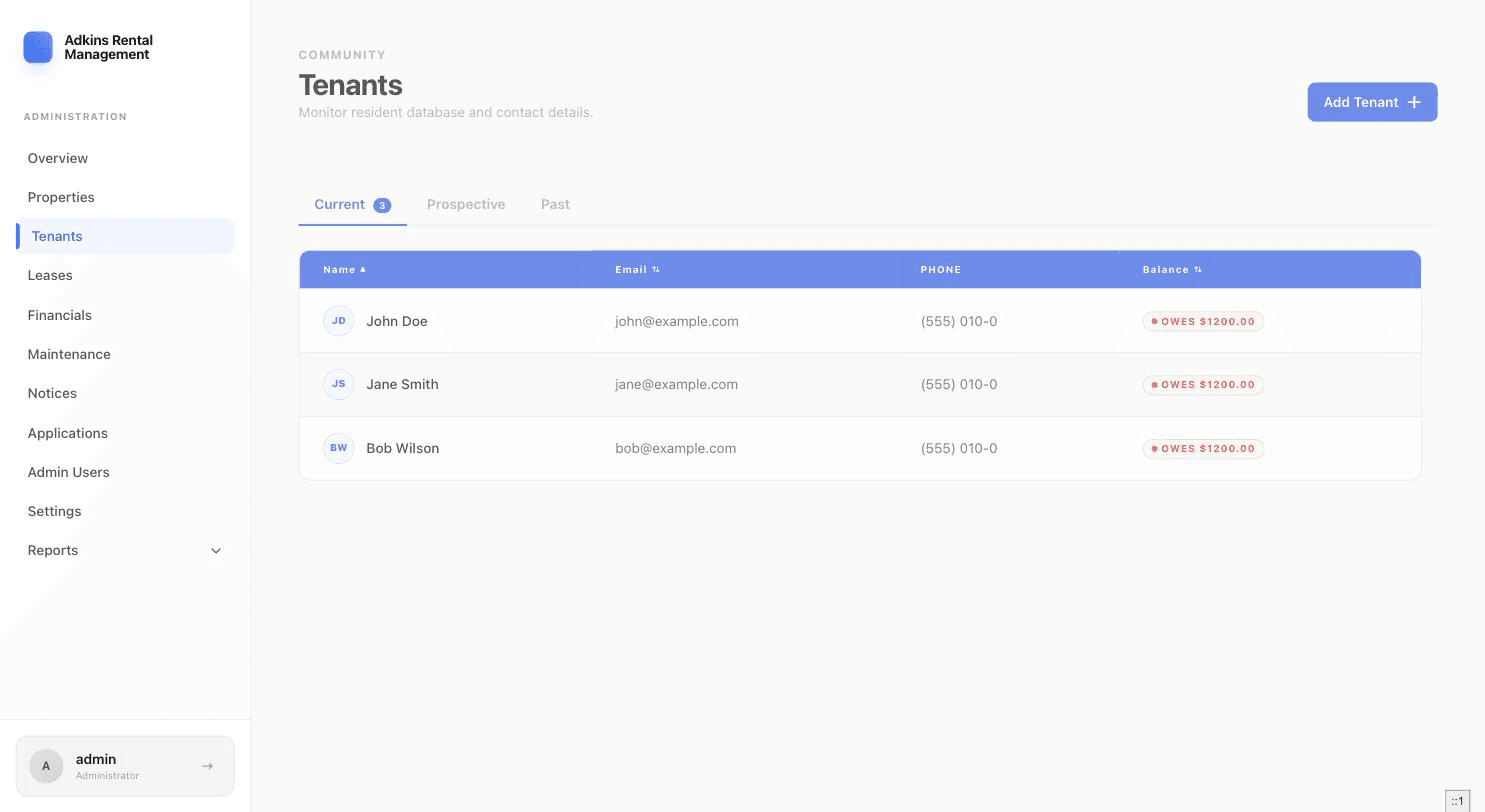
Step 1: Add the tenant
- 1Open Tenants and click Add TenantFill in First Name, Last Name, Email, and Phone — all four are required. Phone auto-formats as you type and must resolve to 10 digits.
- 2Save, and note the temporary passwordIf the tenant is created successfully, a Credentials modal shows their username/email and a one-time temporary password — it won't be shown again. You can send it directly to their email from that modal, or copy it and share it yourself.
Note
Email must be unique — if it's already in use by another tenant, you'll get an inline error instead of a duplicate record.
Step 2: Create the lease
- 1Open Leases and click New LeaseChoose the Property first — this loads that property's Units in a second dropdown. If the property has no units (a single-family home, for example), you'll see "Whole property — no units" instead.
- 2Choose the residentSelect the tenant you just created. Need more than one name on the lease? Click "+ Add co-signer" to add additional tenants.
- 3Set the termEnter a Start date and an End date, or check Month to month to leave it open-ended.
- 4Set rent, deposit, and late fee policyMonthly Rent and Deposit are required. Under Late Fee Policy, set the grace period (in days), whether the fee is a flat amount or per day, and the amount — a live summary line shows exactly how it'll be applied.
- 5Generate the contractClick Generate Contract. The lease is now active, and the unit's status updates to occupied.
Heads up
If you pick a unit that already has an active lease, RentSystems shows a warning and, on submit, asks you to confirm ending the existing lease (effective the day before the new one starts) before creating the new one.