Notification History and Activity Log
Audit every email/SMS the system has sent, and review a feed of account activity.
Two read-only logs live under the Reports section of the sidebar — useful when you need to confirm something actually got sent, or just want a chronological view of what's been happening on the account.
Notification History
Every email and SMS the system has attempted to send, whether it worked or not: date, channel (Email/SMS), type (Payment Receipt, Maintenance Update, Rent Reminder, etc.), tenant, recipient address, provider, and a status badge — sent, failed (with the error message shown below it), or skipped. You can filter by a specific tenant, or jump here already filtered by clicking a tenant's name elsewhere in the app.
Activity Log
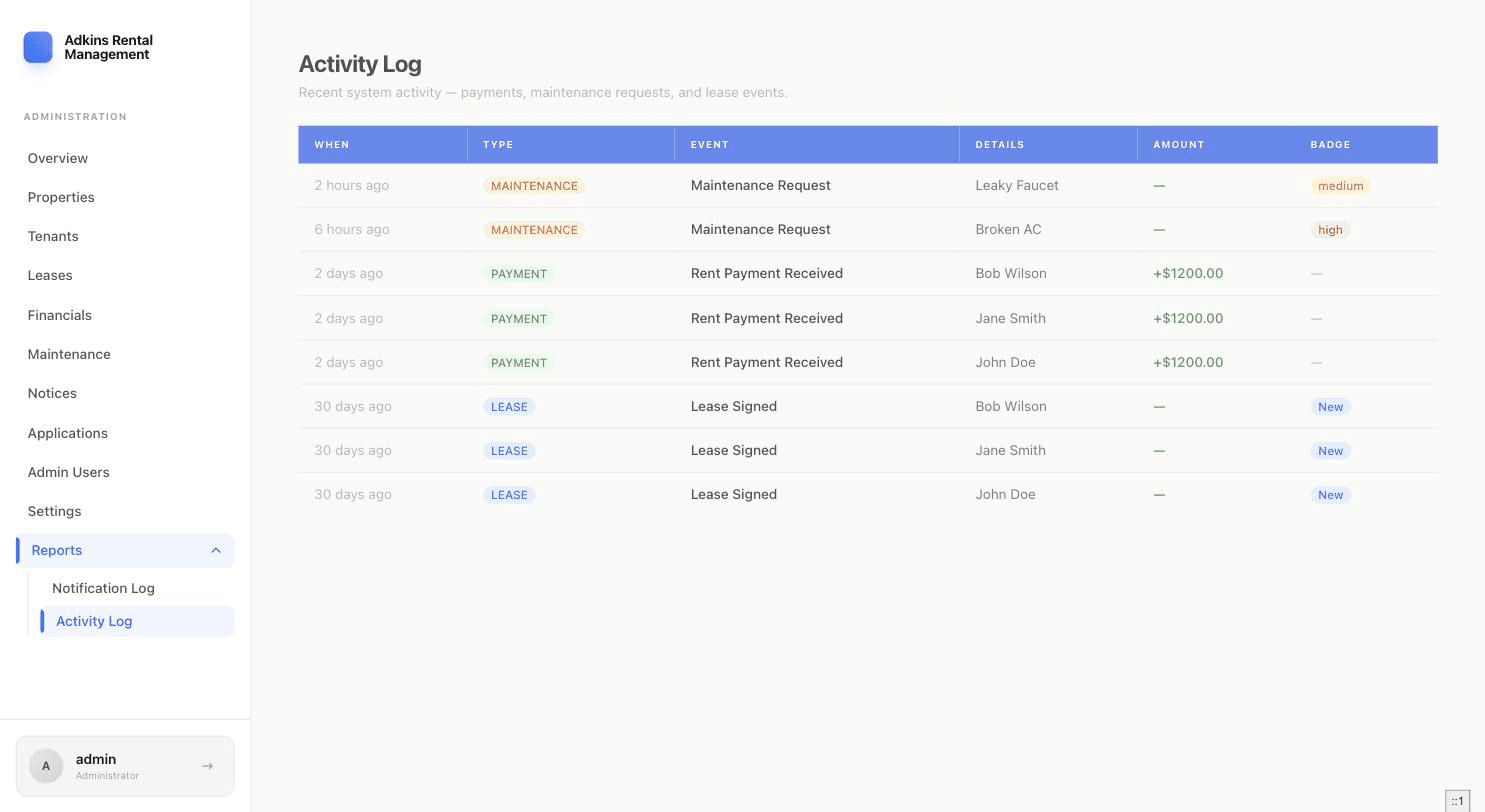
A plain chronological feed of account activity — payments, maintenance requests, lease signings — each with a type badge and any relevant amount or priority badge. There's nothing to configure here; it's a log, not a filterable report. It's the same feed that powers the "Recent Activity" list on your dashboard, just complete and unpaginated-by-default.