Your Dashboard and Making a Payment
Check your balance, see how to pay rent, and view your payment history.
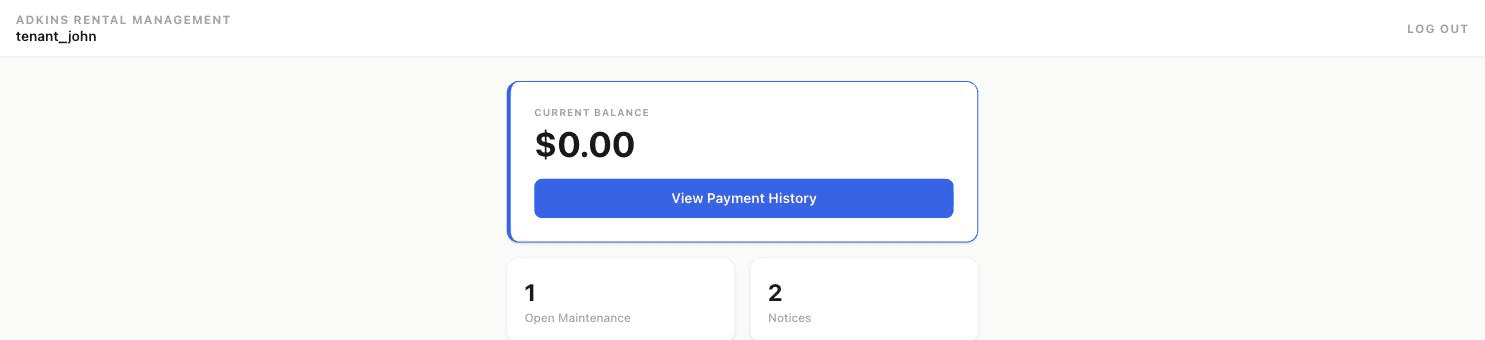
When you log in, your Home tab shows your current balance, quick counts of open maintenance requests and notices, and how to actually pay rent.
If your landlord has proposed a lease renewal, you'll see a banner here too — see Viewing Notices and Your Lease for how to respond to it.
How to pay rent
Your landlord sets up their accepted payment methods — typically some combination of Zelle, Venmo, Cash App, or cash/money order pickup instructions. Each has a one-tap Copy button so you can paste the right handle straight into your payment app, and a "Send Email" link if you need to arrange a cash pickup.
Payment history
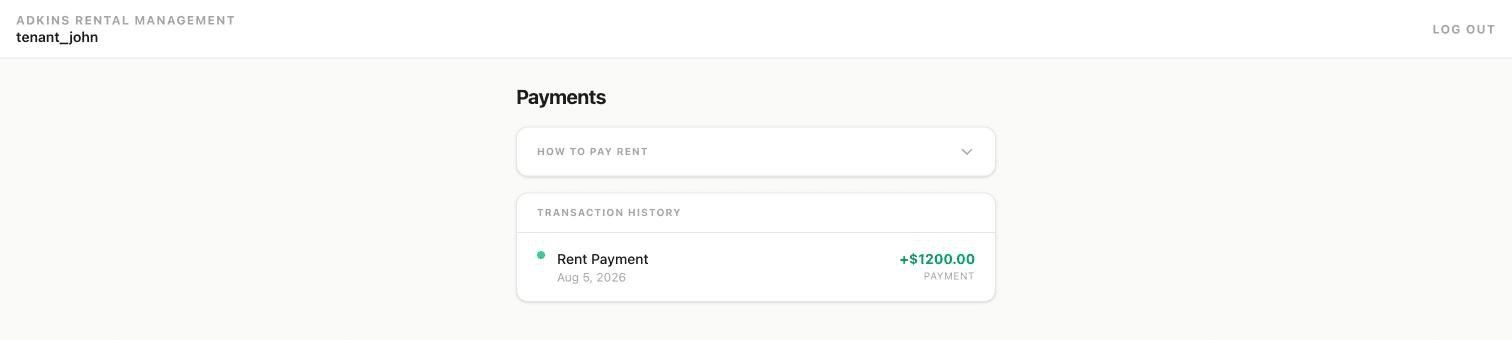
The Payments tab keeps a full transaction history — every payment, dated, with the amount. If you have a question about a specific charge, the Contact Landlord toggle on that same page opens a short message form that goes straight to your landlord.