Tracking Expenses
Log one-off and recurring expenses, and understand amortization.
The Expenses tab tracks everything you spend on a property, split into one-off expenses and recurring templates.
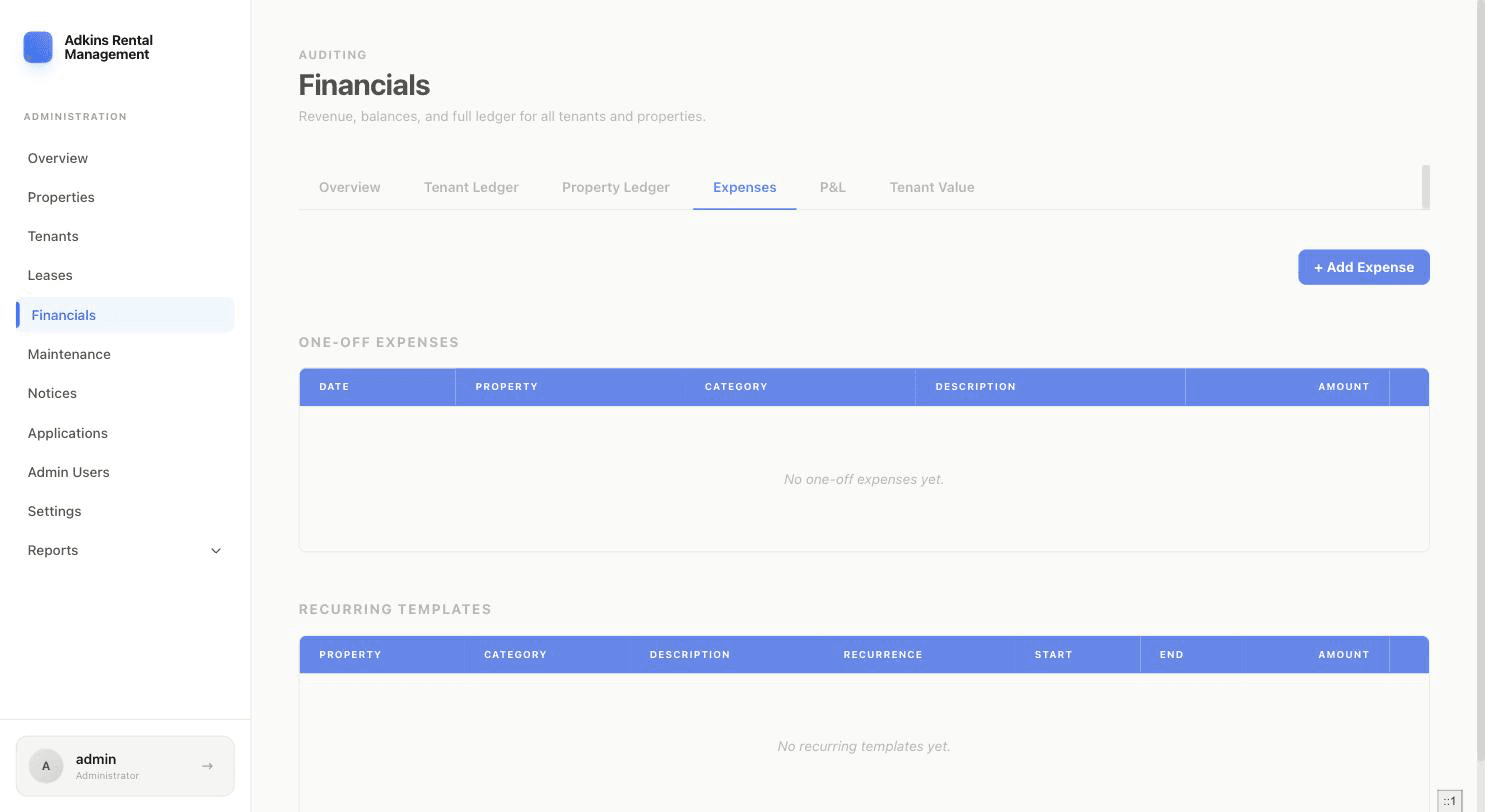
Adding a one-off expense
- 1Click + Add ExpenseLeave the toggle on One-off.
- 2Fill in the detailsProperty (required), Unit (optional — defaults to whole property), Category (Mortgage, Utilities, Insurance, Repairs, Supplies, Management, Taxes, Other), Amount, Description, and Date.
- 3Amortize it, if it's a big one-time costEnter a number of months (or use the 1yr/2yr/5yr/10yr quick-pick buttons) to spread a large expense out. The full amount still shows in your P&L for the month it happened, but it's spread across those months for the Tenant Value report.
Recurring expenses
Switch the toggle to Recurring instead, and set a Recurrence (Monthly, Quarterly, or Yearly), a Start Date, and an optional End Date. This creates a template that automatically generates expense records going forward — good for things like a mortgage or a landscaping contract.
Heads up
Deleting a recurring template also deletes every expense record it already generated, not just future ones.
Expenses linked to maintenance
If an expense was created automatically from a maintenance request's Actual Cost (see Managing Maintenance Requests), editing it here also updates that request's property/unit/cost — the two stay in sync.